Home / Guides / Cable guide
A plain-English guide to the cables we install most, with a quick picker for your run. Your project specification always has the final say.
Quick picker
Move the slider and pick a speed. It gives a starting point, not a design.
Speed you need
At a glance
Typical figures for Ethernet from the IEEE 802.3 standards. Real-world results depend on the installation and the components.
| Cable | Type | Typical use | 10 Gb/s reach | Notes |
|---|---|---|---|---|
| Cat6 | Copper | Desks, access points, general office | Up to 55 m | 250 MHz. 1 Gb/s to 100 m. |
| Cat6A | Copper | Offices, Wi-Fi, data centres | Up to 100 m | 500 MHz. The usual choice for new builds. |
| OM3 | Multimode fibre | Short links inside a building or data hall | Up to 300 m | Usually an aqua jacket. |
| OM4 | Multimode fibre | Data centre links, backbones | Up to 400 m | Aqua, or violet in some systems. |
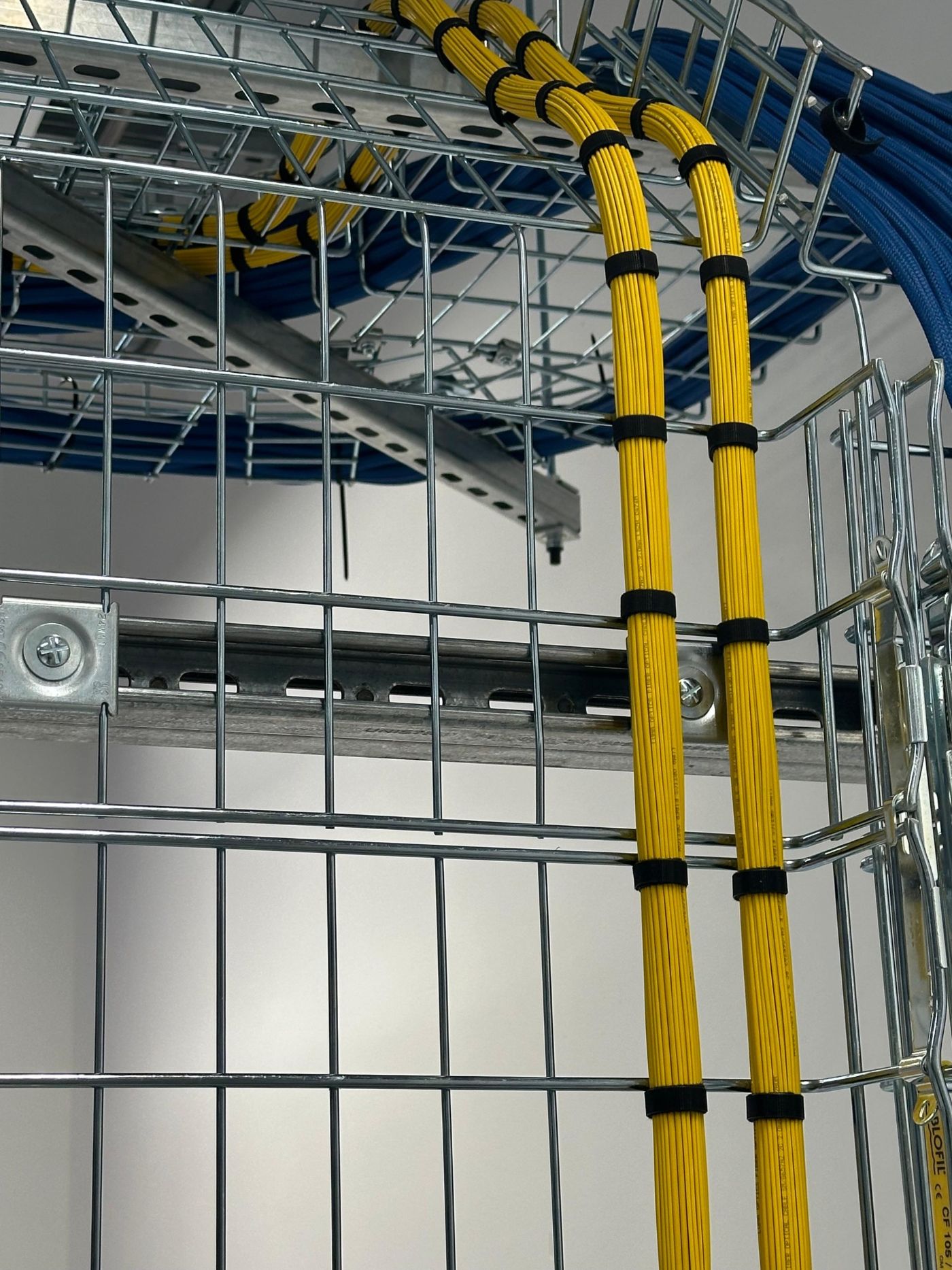
| OS2 | Single-mode fibre | Between buildings, long risers, carrier links | Up to 10 km | Usually a yellow jacket. Distance is rarely the limit. |
Copper links are limited to 100 m end to end, including patch leads. Higher speeds over multimode fibre have much shorter reach than 10 Gb/s.
Whatever you choose
A Cat6A cable installed badly can fail where a Cat6 cable installed well passes. Bend radius, tie tension, separation from power, termination and testing all matter.
Send us the drawings and we'll tell you what we'd install and why.